
Withdraw Your Earnings from PLAYPKR Game
Withdrawing your earnings from PLAYPKR is a simple and secure process that allows players to cash out their winnings quickly. The platform supports multiple withdrawal methods popular in Pakistan, including EasyPaisa, JazzCash, and direct bank transfers. Once your withdraw request is approved, the money is usually transferred within a few minutes to a few hours, depending on the method chosen.
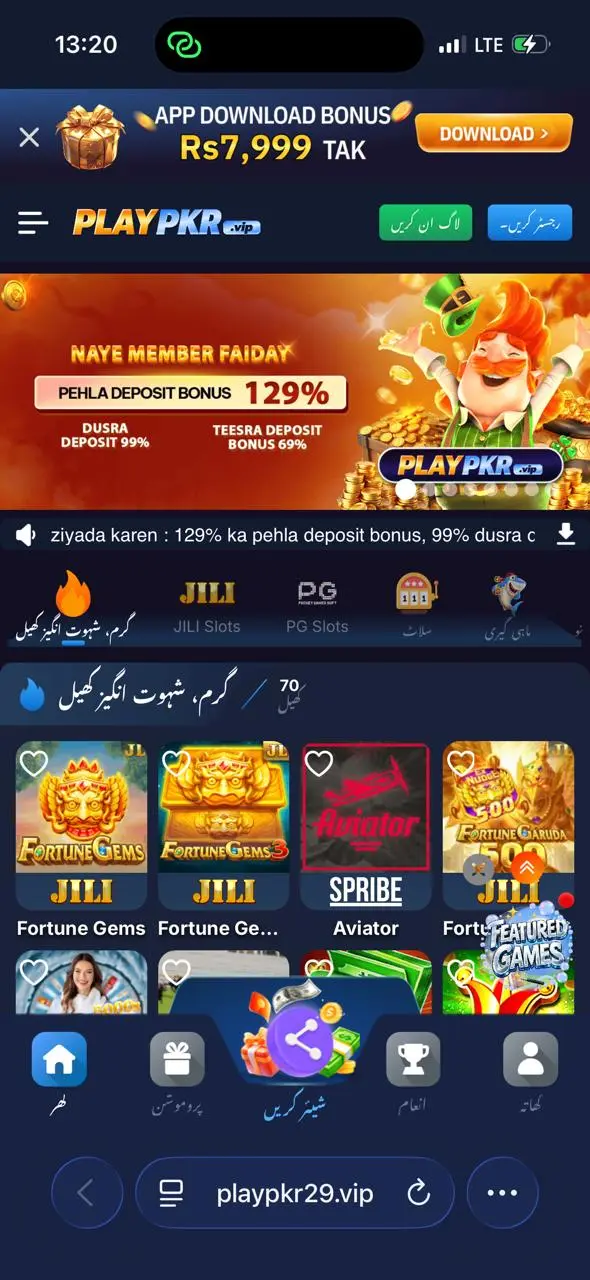
To enjoy a hassle-free withdrawal experience, it is important to complete your account verification and properly bind your bank account or e-wallet beforehand. PLAYPKR maintains strict security measures to protect user funds, so following the correct steps and keeping your payment details updated is highly recommended.
How to Withdraw Money From PLAYPKR Game Account
Withdrawing money from your PLAY PKR account is quick and easy once your payment method is linked.
- Open the PLAYPKR app and log in to your account.
- Go to the Wallet or My Balance section.
- Tap on the Withdraw button.
- Select your preferred withdrawal method (EasyPaisa, JazzCash, or Bank Account).
- Enter the amount you want to withdraw.
- Verify the linked account details and submit the withdrawal request.
- Wait for confirmation. Funds are usually credited within 5 to 30 minutes.
How to Add or Bind Your Bank or E-wallet Accounts to the PLAYPKR Game
Binding your bank account or e-wallet is mandatory before making your first withdrawal on PLAYPKR. This step ensures your earnings are transferred safely to your own account.
- Log in to your PLAYPKR account.
- Navigate to Wallet > Withdraw or Account Settings.
- Select Add Bank Account or Add E-wallet.
- Choose your method: EasyPaisa, JazzCash, or Bank Transfer.
- Enter your account number, CNIC, and full name exactly as registered.
- Verify the details and submit for binding.
- Wait for confirmation (usually instant or within a few minutes).
Solving Problems While Withdrawing
If you face issues while withdrawing money from PLAYPKR, most problems can be resolved quickly by following proper troubleshooting steps.
- Withdrawal button not showing: Complete your profile verification and bind your e-wallet or bank account first.
- Insufficient balance error: Make sure you have enough balance after considering the minimum withdrawal limit.
- Withdrawal rejected: Check if your account details match exactly with your CNIC and registered name.
- Delay in receiving money: Wait up to 1 hour; if still pending, contact support with your withdrawal ID.
- Account not verified: Go to profile settings and complete KYC/verification process.
- Transaction failed: Try withdrawing a smaller amount or switch to another payment method.